
Scale, Profit, Own: 7 Critical Keys to Unlocking White-Label UCaaS Success with PortSIP
For service providers, the opportunity in white-label UCaaS is undeniable.…
The world’s most powerful Unified Communications solution, empowering businesses of all sizes to scale seamlessly with calls, messages, sharing, and meetings across devices.
The only truly Multi-Tenant PBX built for modern service providers
With one solution for all your out-of-the-box and programmable voice, SMS, messaging, video, sharing, and AI needs, you can streamline workflows and build custom apps to fit the unique needs of your business.
Reply on our Multi-Tenant PBX to effortlessly launch and scale your Cloud PBX, UCaaS, CPaaS, and CCaaS business, delivering unified communications features—all from a single, powerful platform in just minutes.
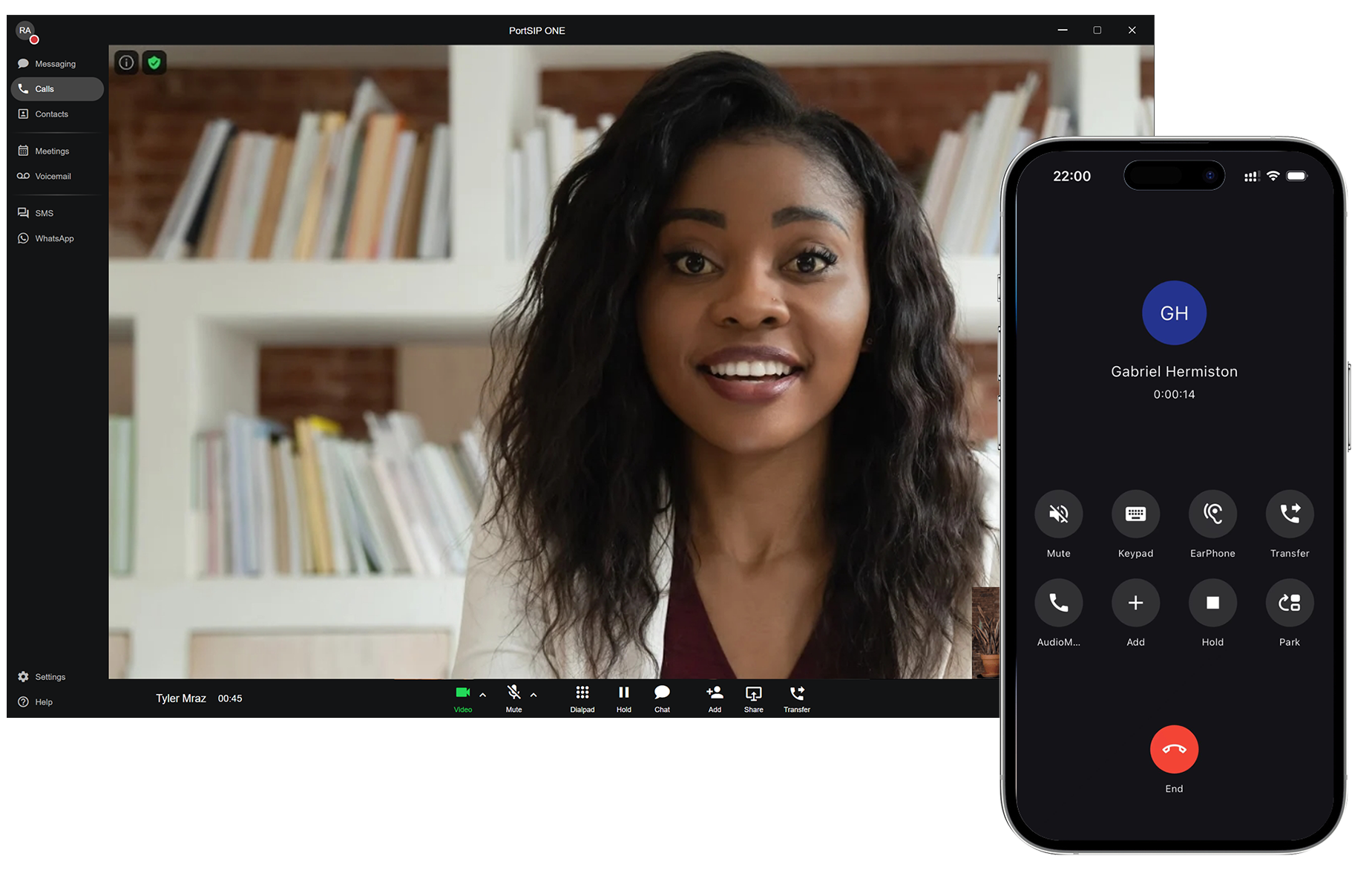
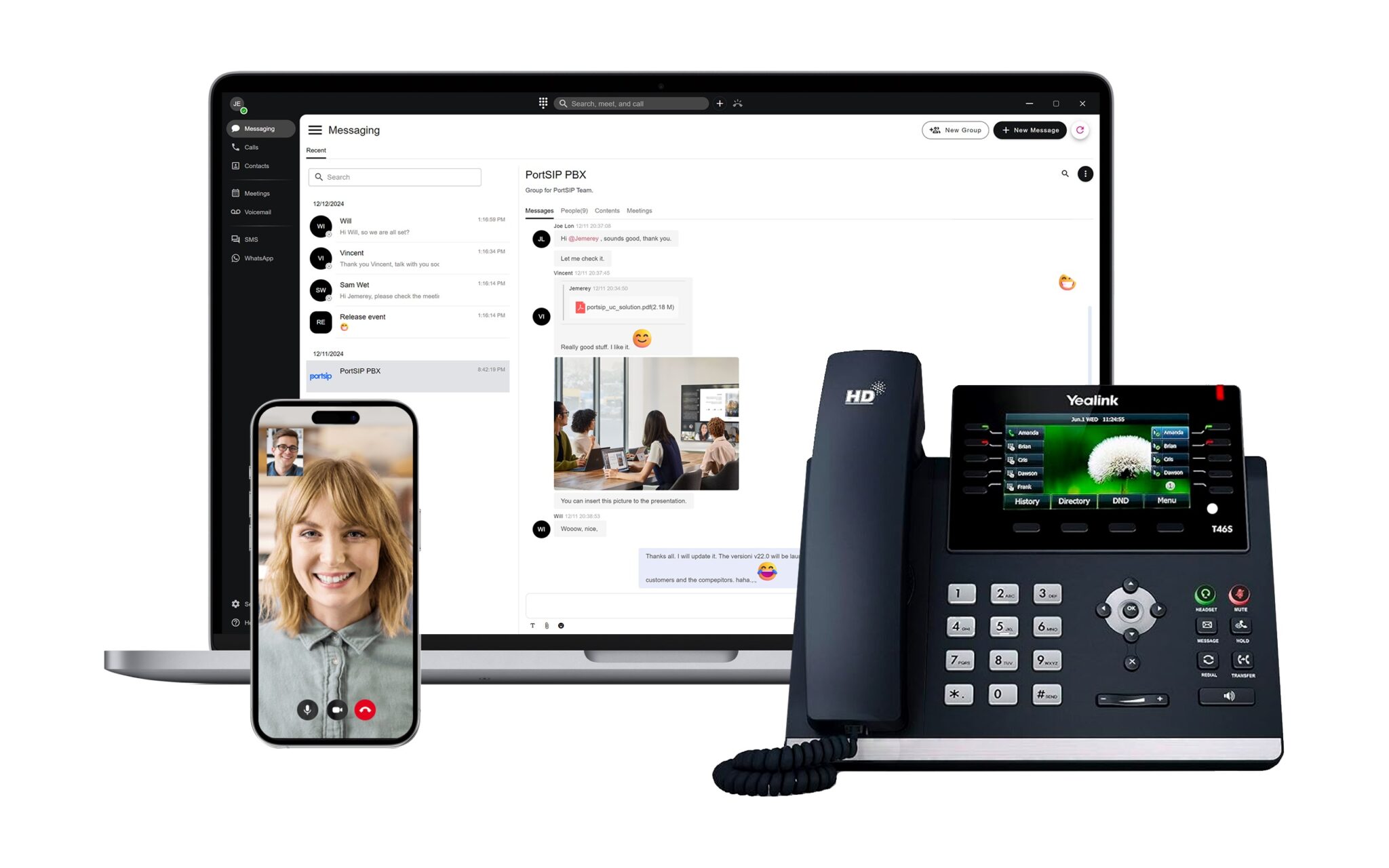
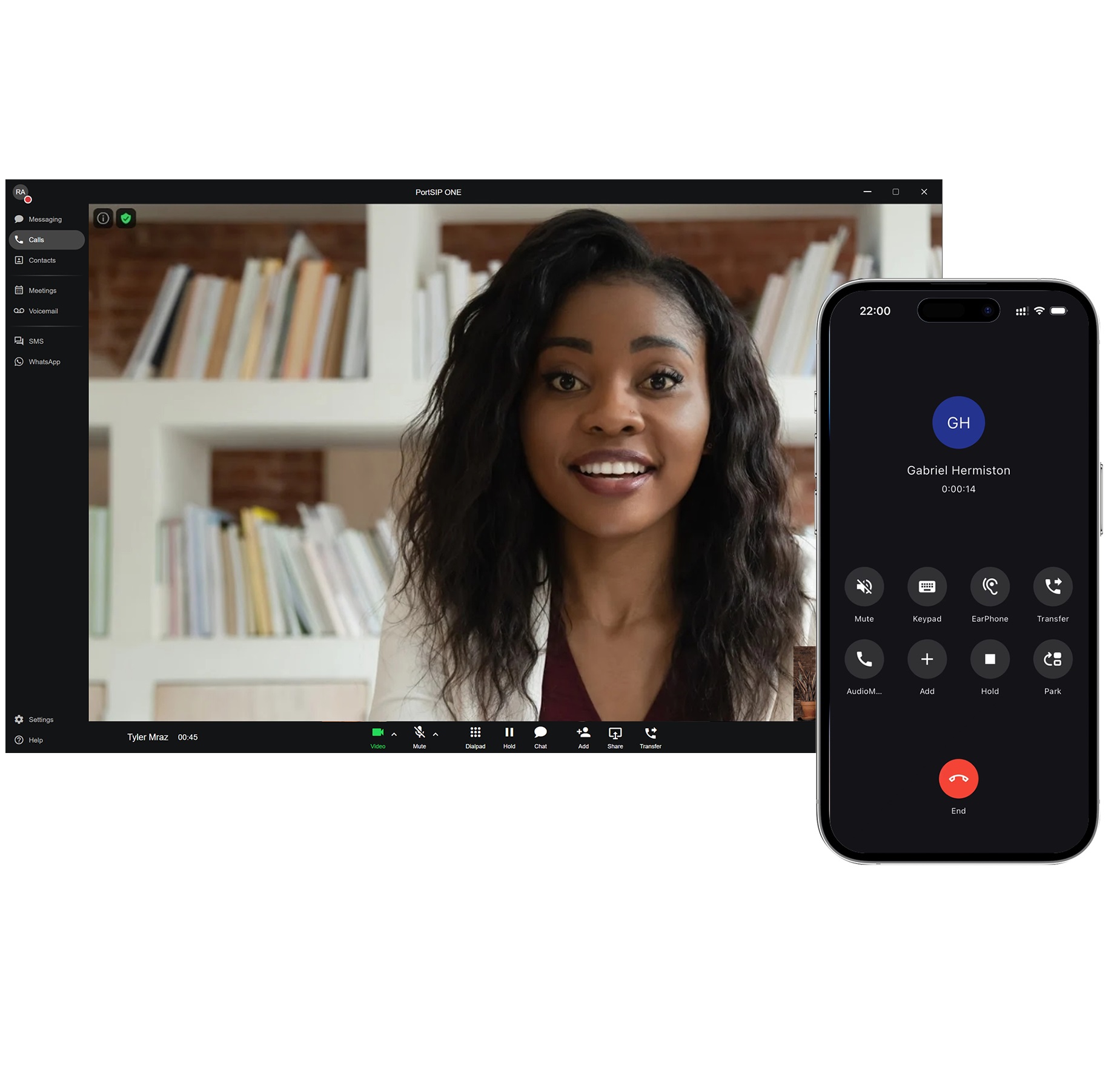
PortSIP ONE is designed for cloud PBX, UCaaS solution that lets you make calls, have video meetings, and SMS/WhatsApp messages, all from one place. Connect your team members and clients with exceptional call quality, whether they’re using desktop, Web Browser, iOS, or an Android phone.
For service providers, the opportunity in white-label UCaaS is undeniable.…

CPaaS-Communications Platform as a Service is a cloud-based model that…
Cloud PBX (Cloud-based Private Branch Exchange) is a virtual phone…
The communications technology landscape is evolving at an unprecedented pace.…
Modern business communications app
All your conversations, all in one place.
Our flexible features are designed for effortless setup, easy adoption, and limitless scalability.
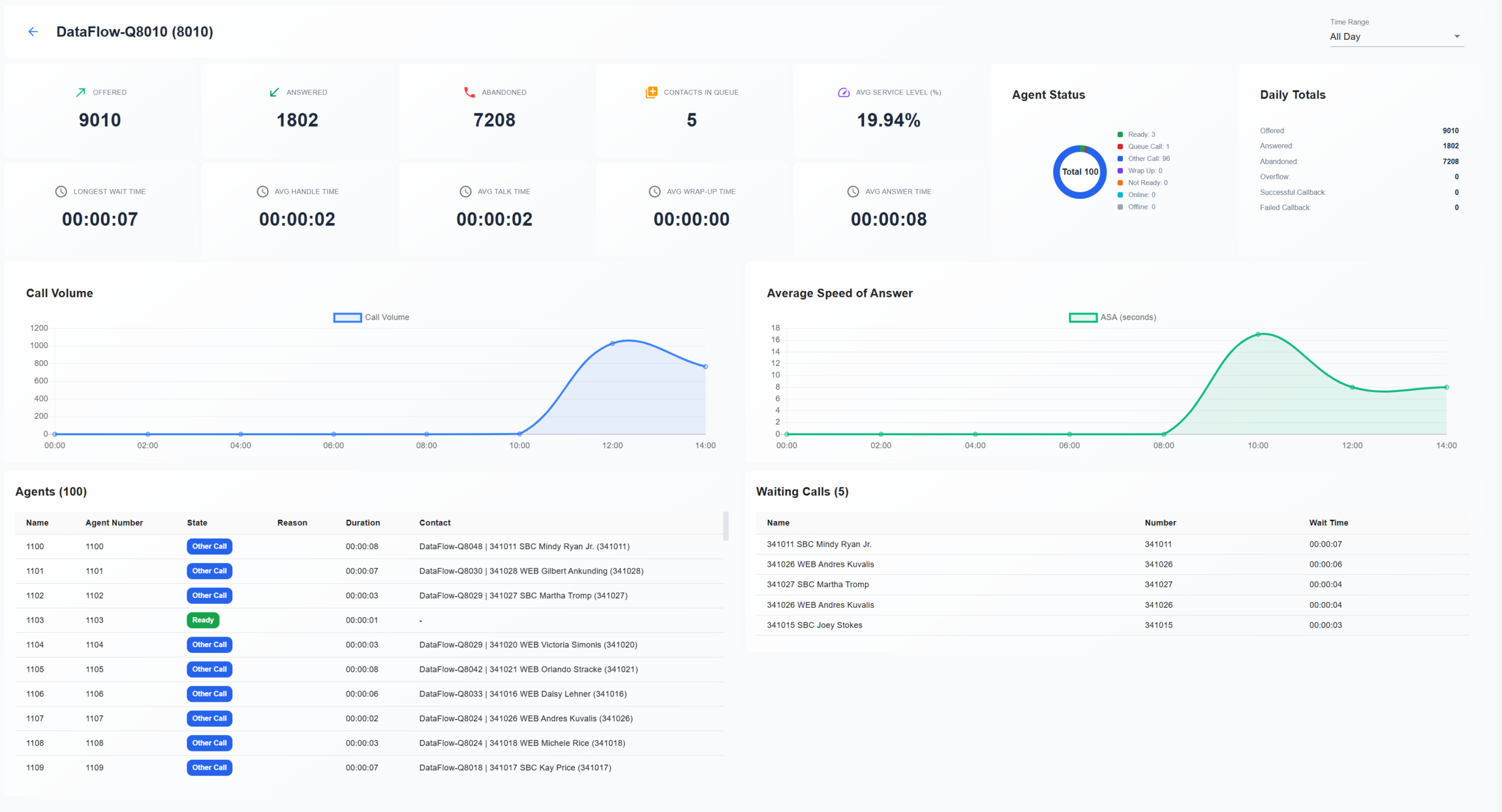
Complete contact center
Real-time analytics that boost productivity
Give supervisors instant visibility with live dashboards showing agent logins, statuses, and activity—all in one view.
More effective management
Streamlined workflows and actionable coaching insights help managers build high-performing teams and maintain service quality.
Empowered agents
Provide agents with real-time guidance and the information they need to respond faster and exceed customer expectations.
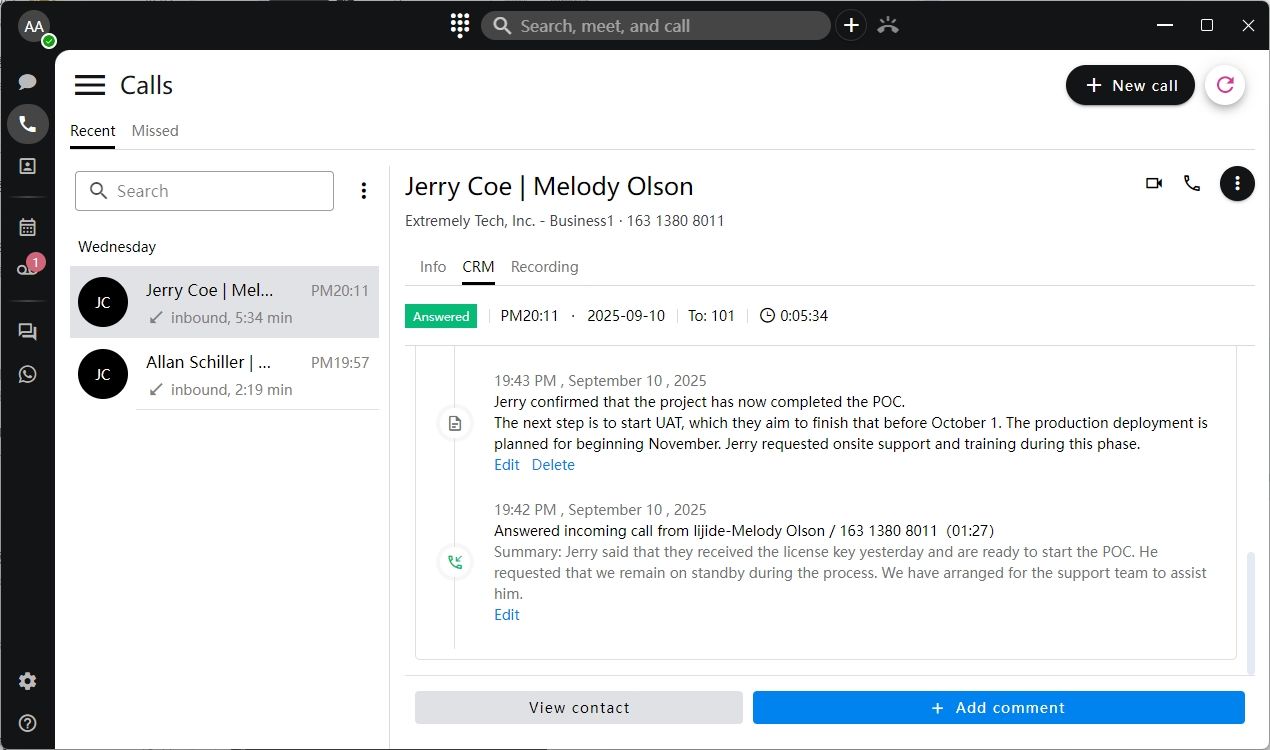
CRM integrations
Call logging as an activity
Automatically log calls to your CRM. Simply link the call to the right contact or account, and the system records it as an activity when the call ends.
Screen Pop for faster calls
Incoming calls instantly pop up on your screen. With one click, open the customer’s record. For new numbers, quickly associate the call with an existing record.
Find and call contacts faster
Use your CRM as an address book. Search for contacts, open their records, and place calls with a single click.
AI transcription
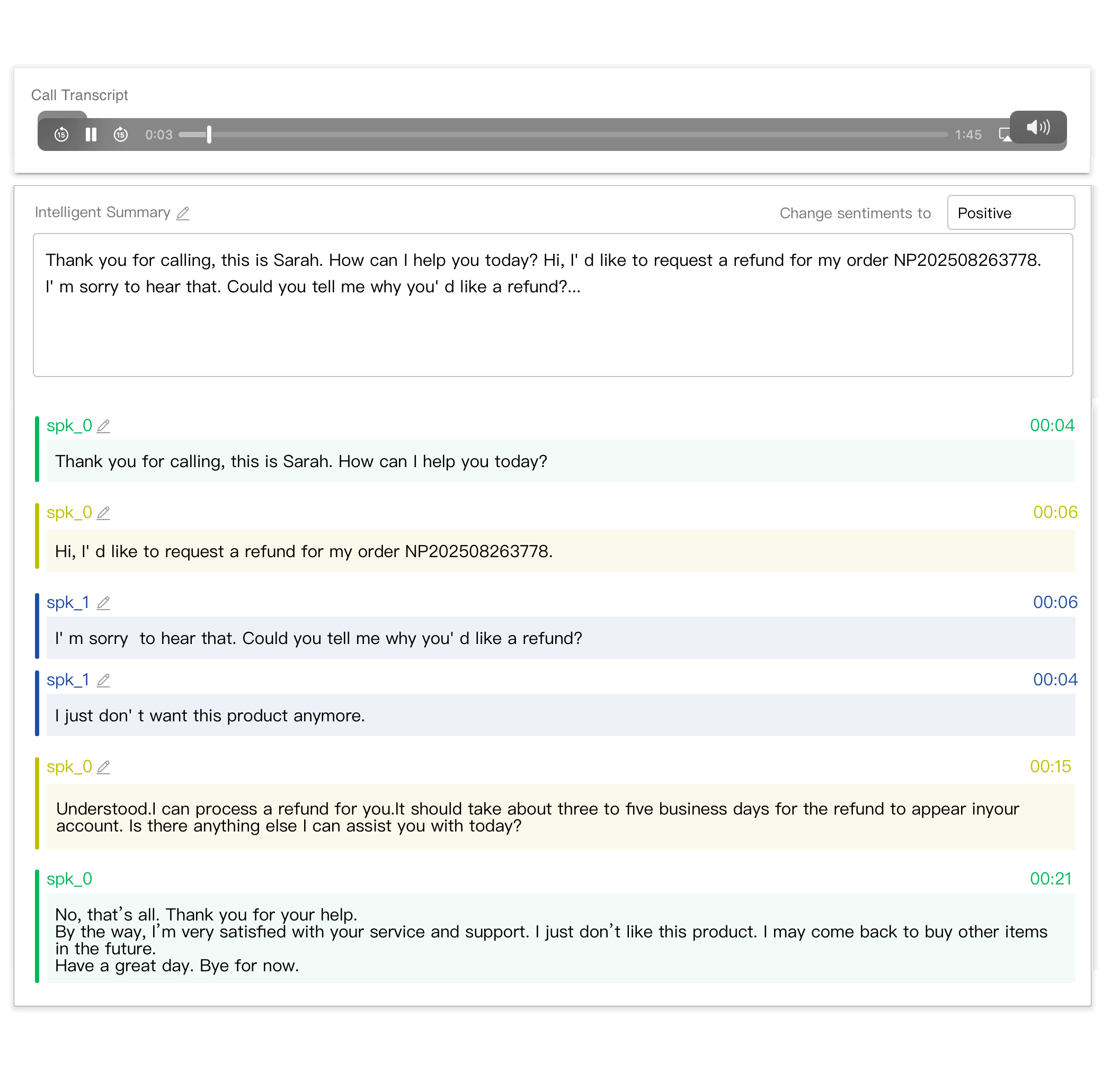
Automated transcription for calls and voicemails
Save time with accurate AI-powered transcriptions. Automatically generate notes and summaries to streamline workflows and improve follow-ups.
Sentiment analysis
Use AI-driven sentiment analysis to quickly identify calls that may require attention. Supervisors can review sentiment indicators and open transcripts to gain context and assess service quality.
Voicemail transcription
Skip listening and read instead. Visual voicemail automatically transcribes messages, making it easy to stay productive when you don’t have time to listen to every voicemail.
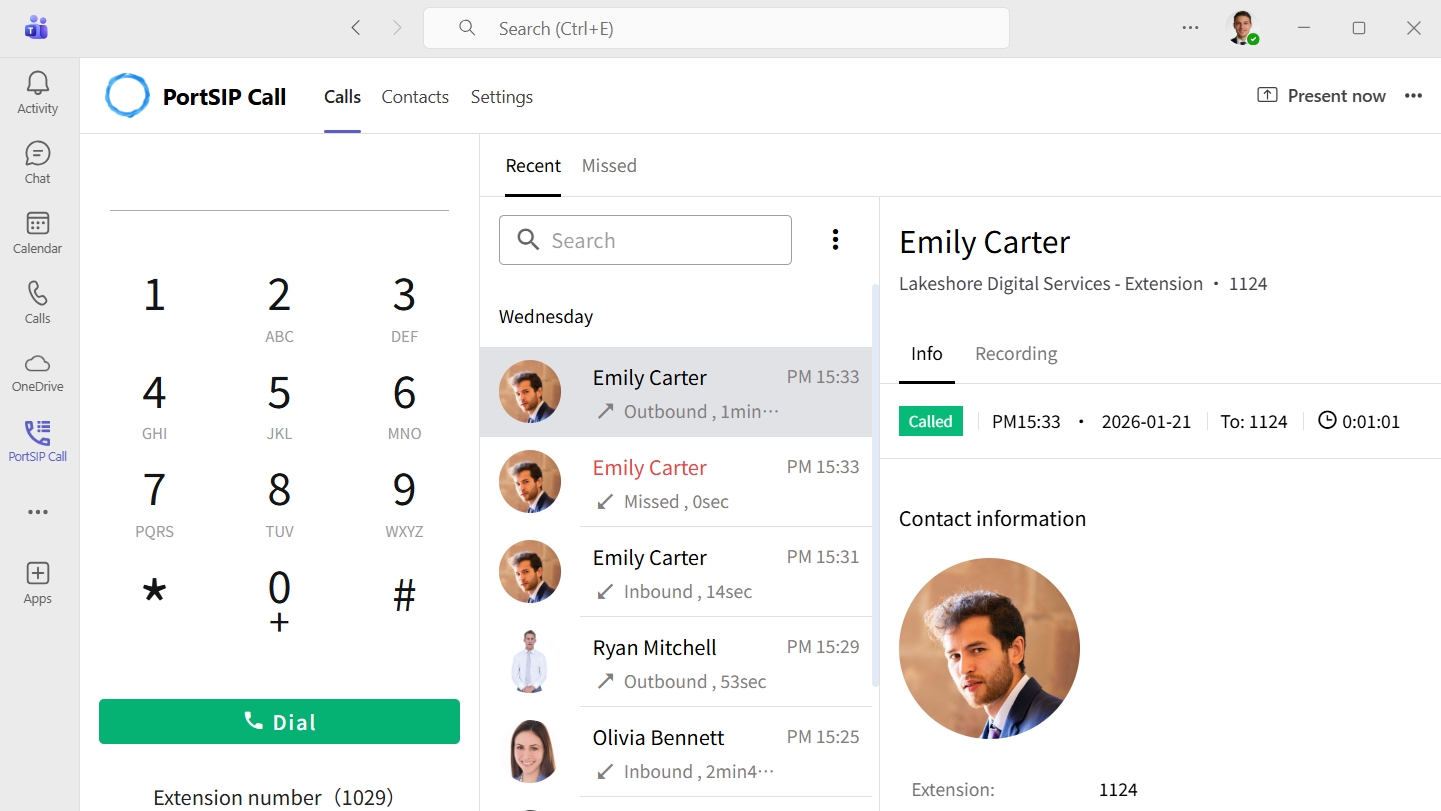
PortSIP Integration for Microsoft Teams
PortSIP brings calling, messaging, and AI into Microsoft Teams, giving you native call routing options and intelligent workflows in every conversation.
Simplify Teams communication with one number for calls, texts, and voicemails, and streamline admin and expansion across sites.

Experience reliable business communications
PortSIP delivers modern communications for organizations of all sizes. From small businesses to service providers, brands across the world rely on PortSIP to stay connected, secure, and compliant — from anywhere.
PortSIP PBX is specifically designed for service providers and MVNOs to run Cloud PBX, UCaaS, CPaaS, and CCaaS.
Hundreds of unified communication features—like call routing, SMS, WhatsApp, team messaging, contact center, and voice and video meetings—all in one powerful multi-tenant PBX that runs on your infrastructure or on Azure, AWS, GCE.


Communications APIs: Be there, build that
PortSIP PBX offers multichannel communication APIs to integrate voice, video, chat, SMS/WhatsApp, and more into your apps and platforms with minimal coding, empowering your business with AI effortlessly.
An experience you can trust
The only true multi-tenant PBX, unlike other PBXs that are multi-instance. Eliminate complex hardware configurations and resource-heavy requirements. Grow like never before by efficiently managing multiple clients with PortSIP’s multi-tenancy architecture, supporting up to 10,000+ tenants.
All deployed and managed virtually by Docker, scaling is easy and takes just a few minutes. Enterprises worldwide rely on PortSIP’s proven 99.999% uptime, robust, scalable solutions that support up to 50,000+ online users in a single deployment.
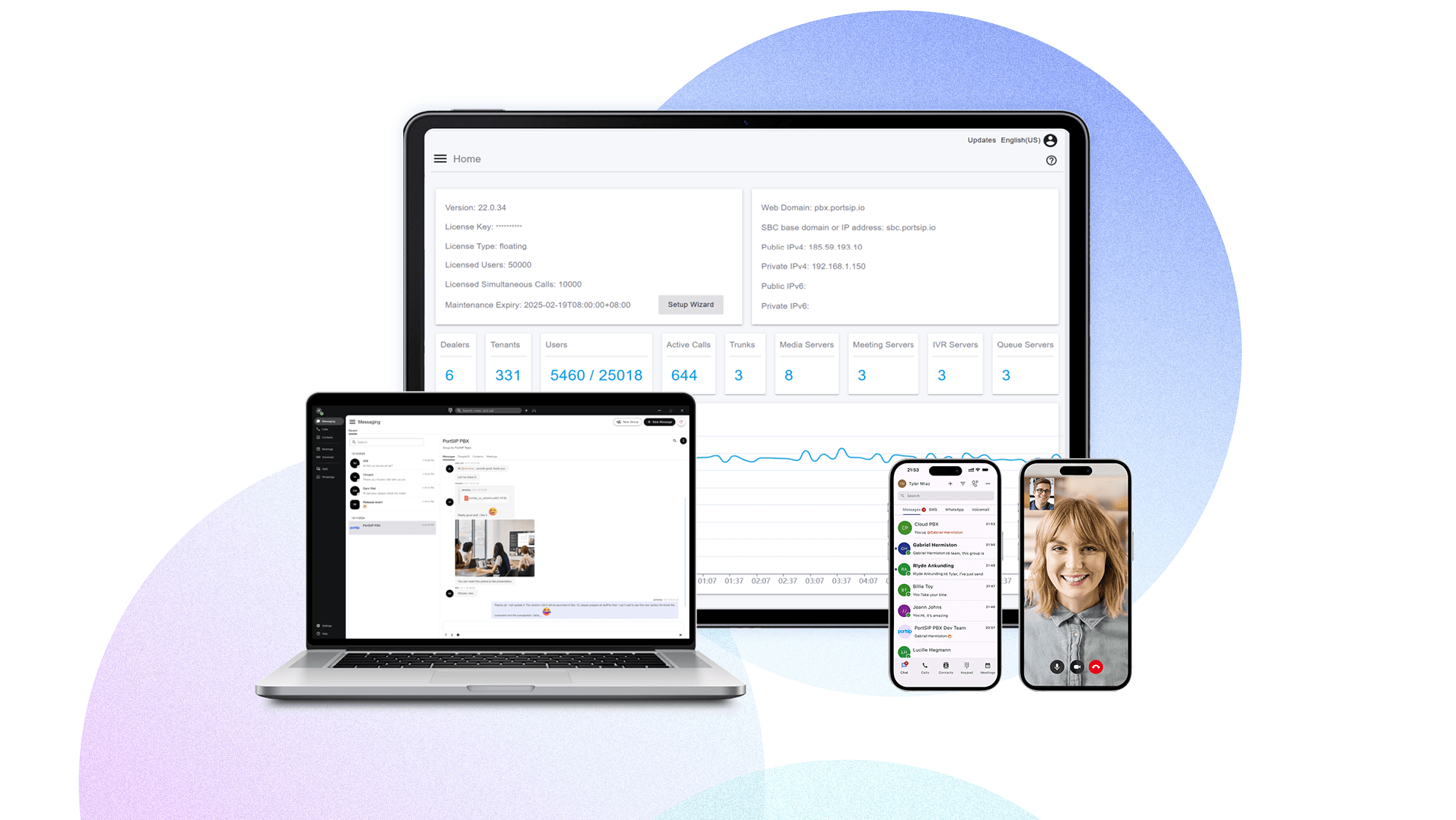
This single-pane-of-glass interface provides a centralized view of all your tenants and PortSIP PBX services. You can easily manage user accounts, devices, dealers, tenants, and more. It also offers detailed analytics and performance metrics, providing insights into resources, call activity, and user behavior.
Every component can be scaled as a cluster to support more users and simultaneous calls. For example, media servers, queue servers, meeting servers, IVR servers, SBC, and IM servers enable PortSIP PBX to deliver top-tier performance, protecting your investment.
Provide detailed user status, call status, CDR, recordings, reports, audit logs, and event logs, offering insights into your business to help you make informed decisions for the next steps.
Our rebranding tools let you fully private-label your PBX and Cloud PBX services. Customize the user agent, theme, logo, name, links, icons, and apps—all on your own, with no need for PortSIP’s involvement. Take full control of your branding and create a unique experience for your customers.
Explore product innovations

For service providers, a cloud PBX must support a large number of users and handle high volumes of calls. Typically, a cloud PBX should be based on a multi-tenant architecture, allowing the service provider to set up a single PBX installation that can serve a large number of tenants, users (extensions), and calls.

Transform how you communicate and collaborate—anytime, anywhere—with a solution designed to meet your unique needs out of the box. Our flexible features are easy to set up, simple to adopt, and scale effortlessly to grow with your business. Launch your cloud PBX, UCaaS, CPaaS, CCaaS business today!
PortSIP is an Open API Solution offers programmable APIs for voice, SMS, messaging, video, data, and AI integration, unlocking the full potential of your communications. Our flexible, scalable, and future-proof solutions empower enterprises to meet evolving needs with ease.
The trusted leader in unified communications